
Self-service printing
Print your documents in about a minute.
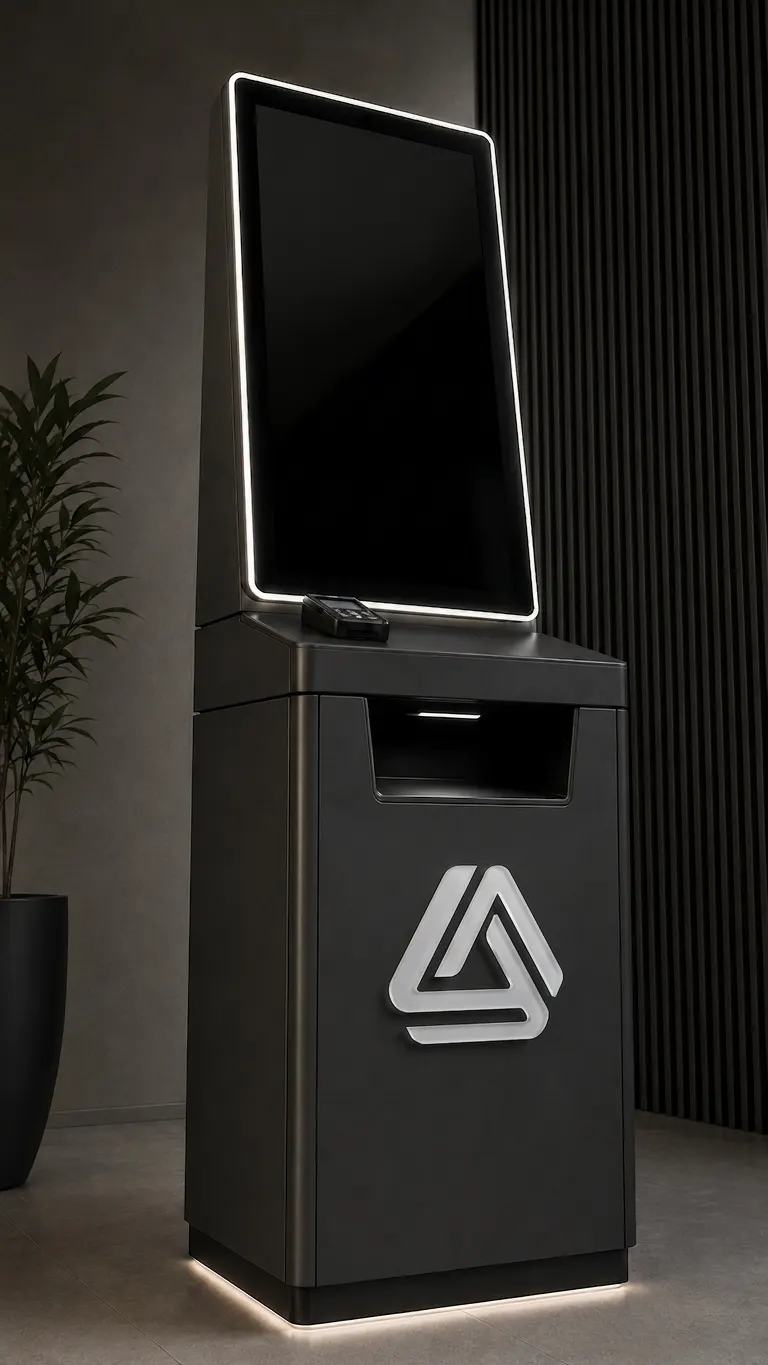
Walk up to the kiosk, scan the QR code with your phone, and pick the files you want. Your pages come out while you wait. No computer, no USB stick, and nobody to ask.
- No app to install
- Files deleted after printing
- Price shown before you pay
How it works
Five simple steps.
Everything happens on your own phone and the kiosk screen. You never have to hand your files to anyone.
-
Scan
Point your camera at the QR code on the kiosk screen. There is nothing to download.
-
Upload
Choose files from your phone. Photos, PDFs and documents all work.
-
Configure
Set the number of copies, one or two sides, and which pages you want.
-
Pay
The price appears before anything prints. Pay right at the kiosk.
-
Print
Your pages come out of the tray. Take them — your files are deleted afterwards.
Why people like it
Made to be quick and quiet.
-
It is fast
From scanning the QR code to holding your pages usually takes about a minute.
-
It is private
Your files go straight from your phone to the printer, and they are deleted once your pages are out.
-
No queue
You do not need to wait for someone free, or explain what you want. The kiosk handles the whole job.
-
Nothing to install
It works with the phone already in your pocket. No app, no account, no sign-up.
All you need is your phone.
Find a kiosk, scan the QR code on the screen, and your pages will be waiting for you a minute later.